An example
How a piece of work moves
One way a job can go. A task often needs more than one document, and the steps will differ. The shape holds.
AI finally has somewhere real to stand. The work, the decisions, and how you work stay put, so the next session is not a blank thread.
Continue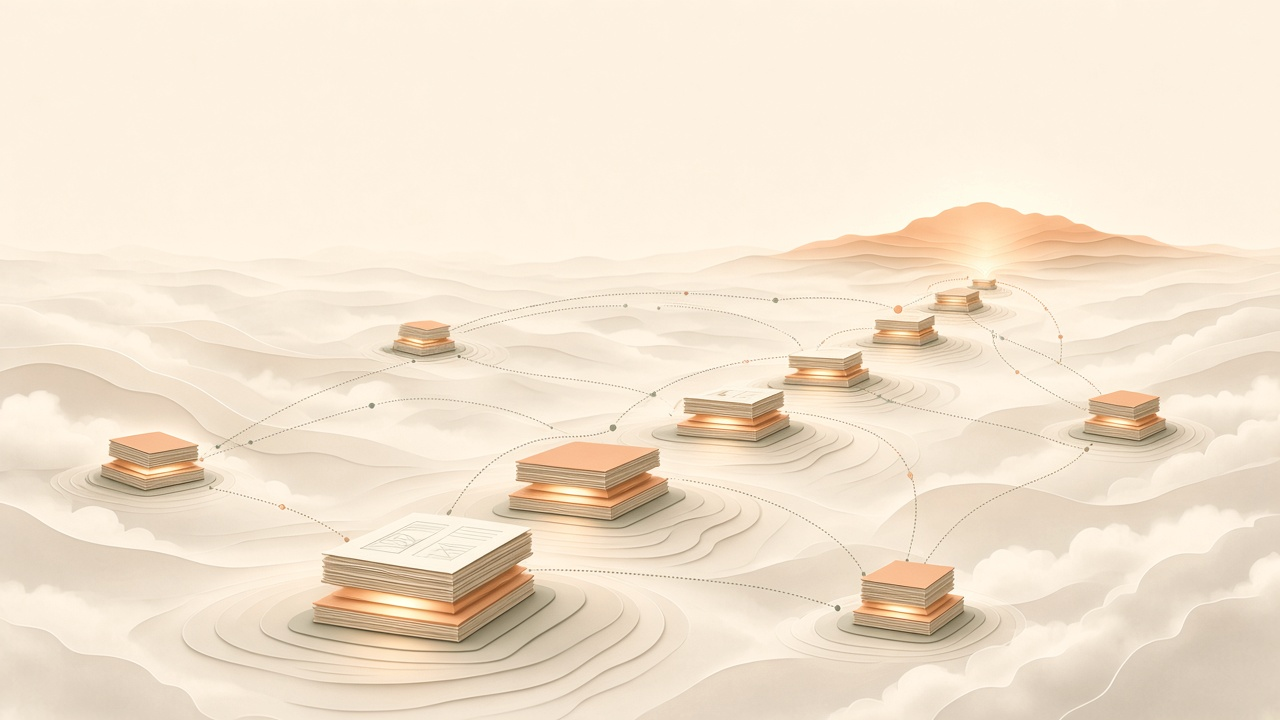
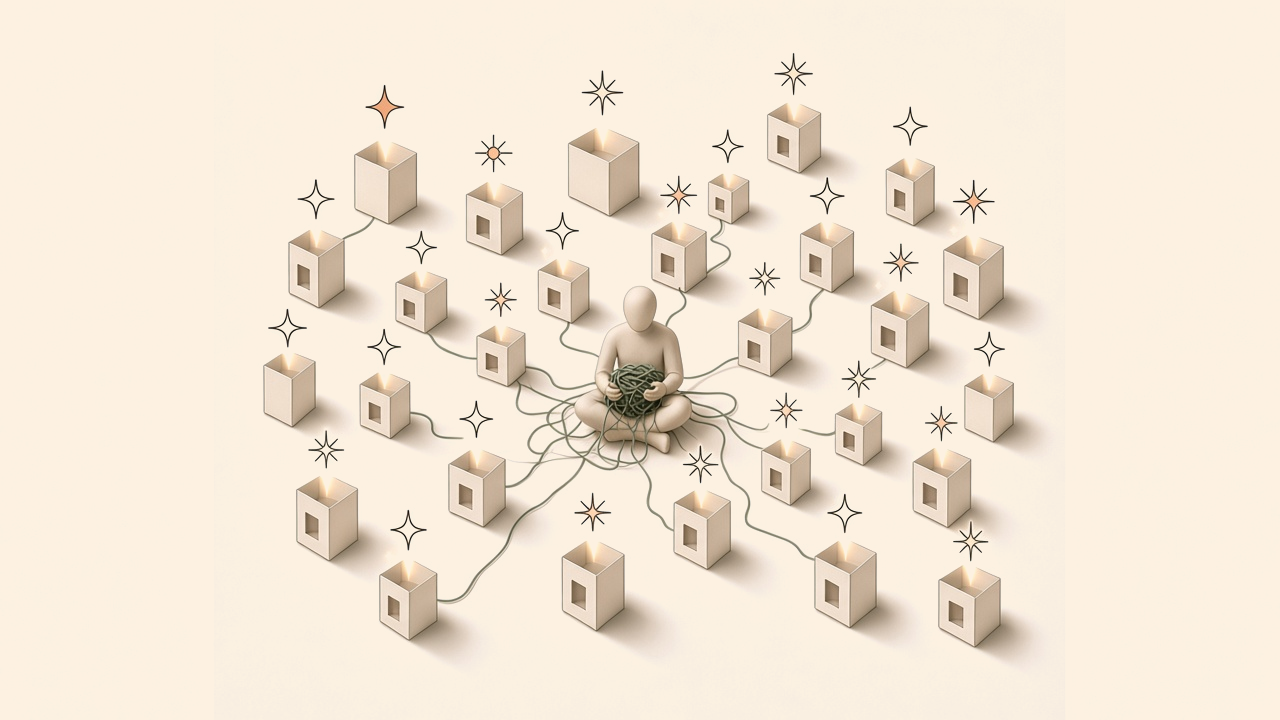
The problem
Where the value stays
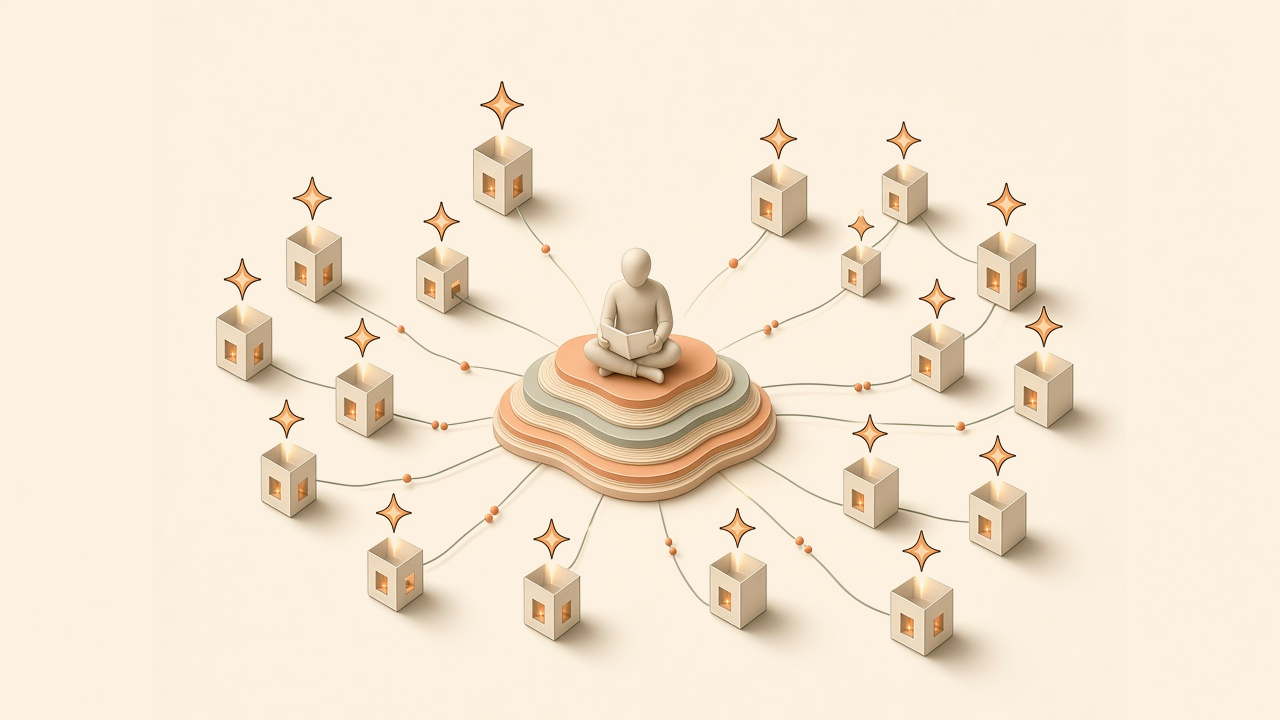
Models get better and cheaper every few months, and you should be free to switch. What makes any of them useful is what they stand on: your work, your decisions, and how you like things done. In a chat tool that ends when the thread does. Here it stays, and the next session starts from it.
An example
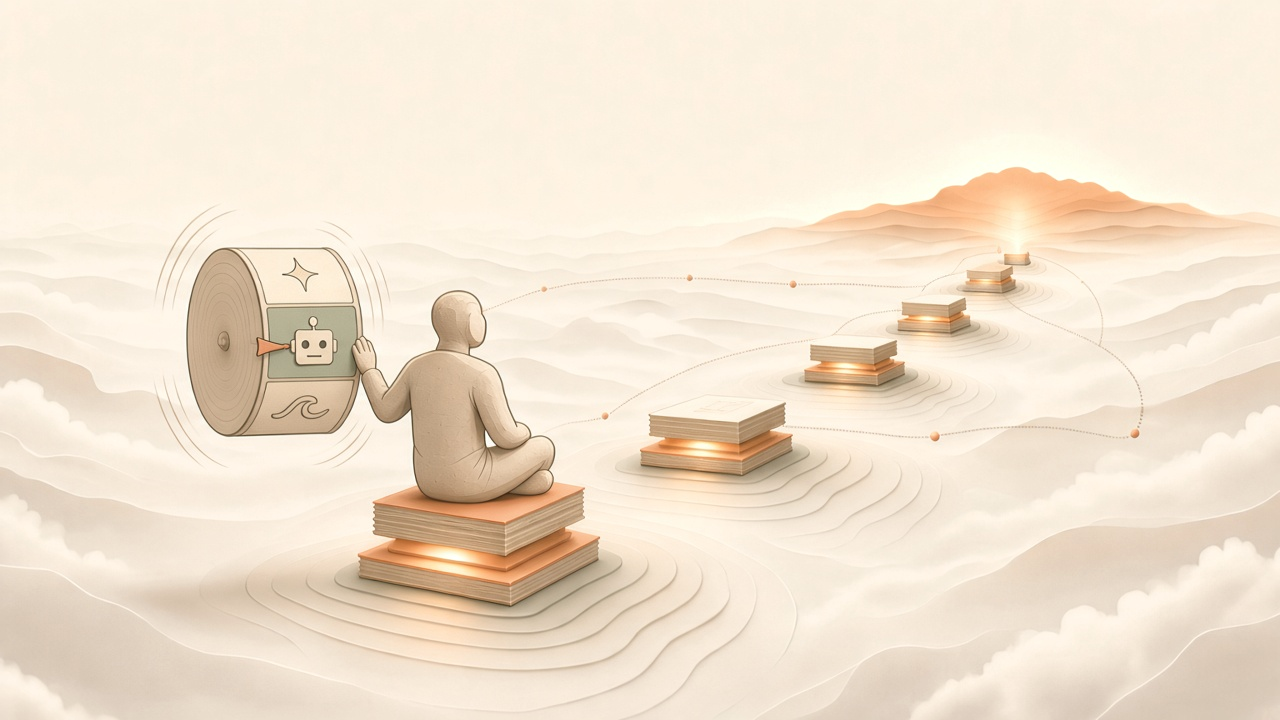
One way a job can go. A task often needs more than one document, and the steps will differ. The shape holds.
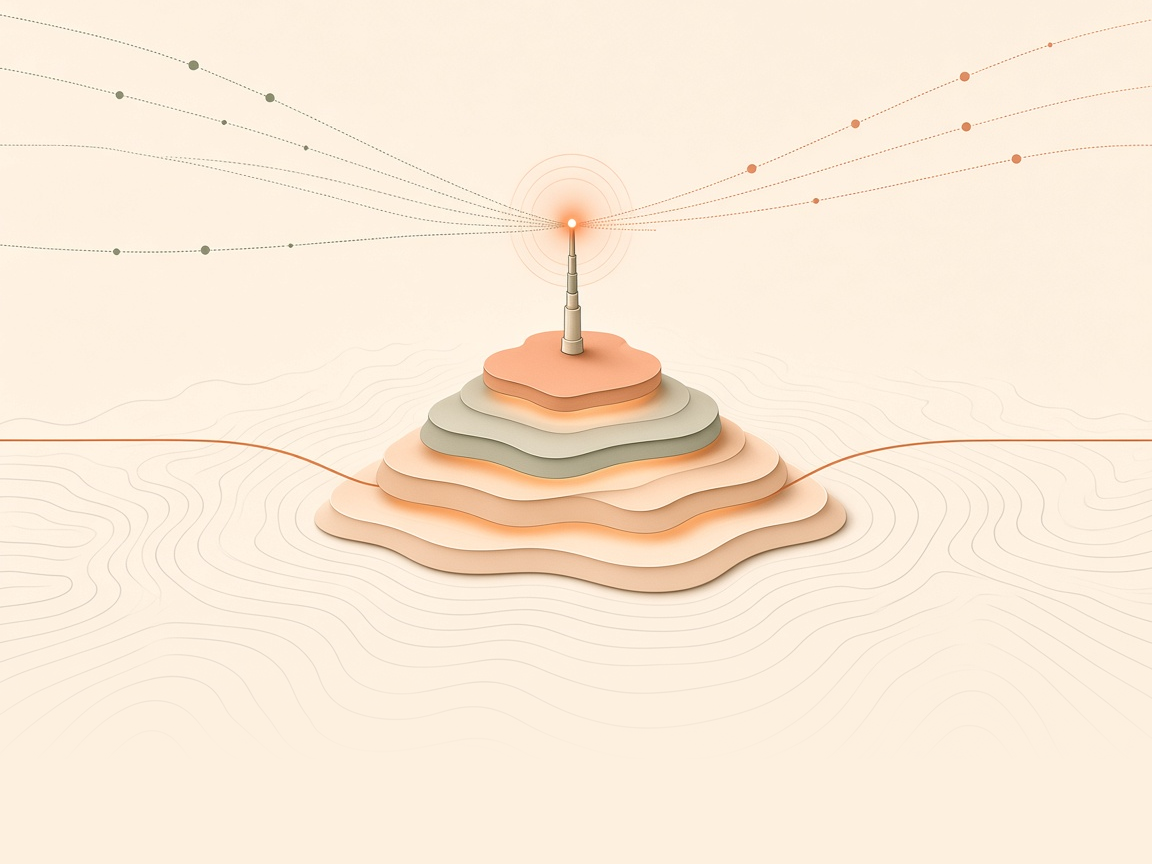
A request, a note, a signal. It lands on ground that is already listening.
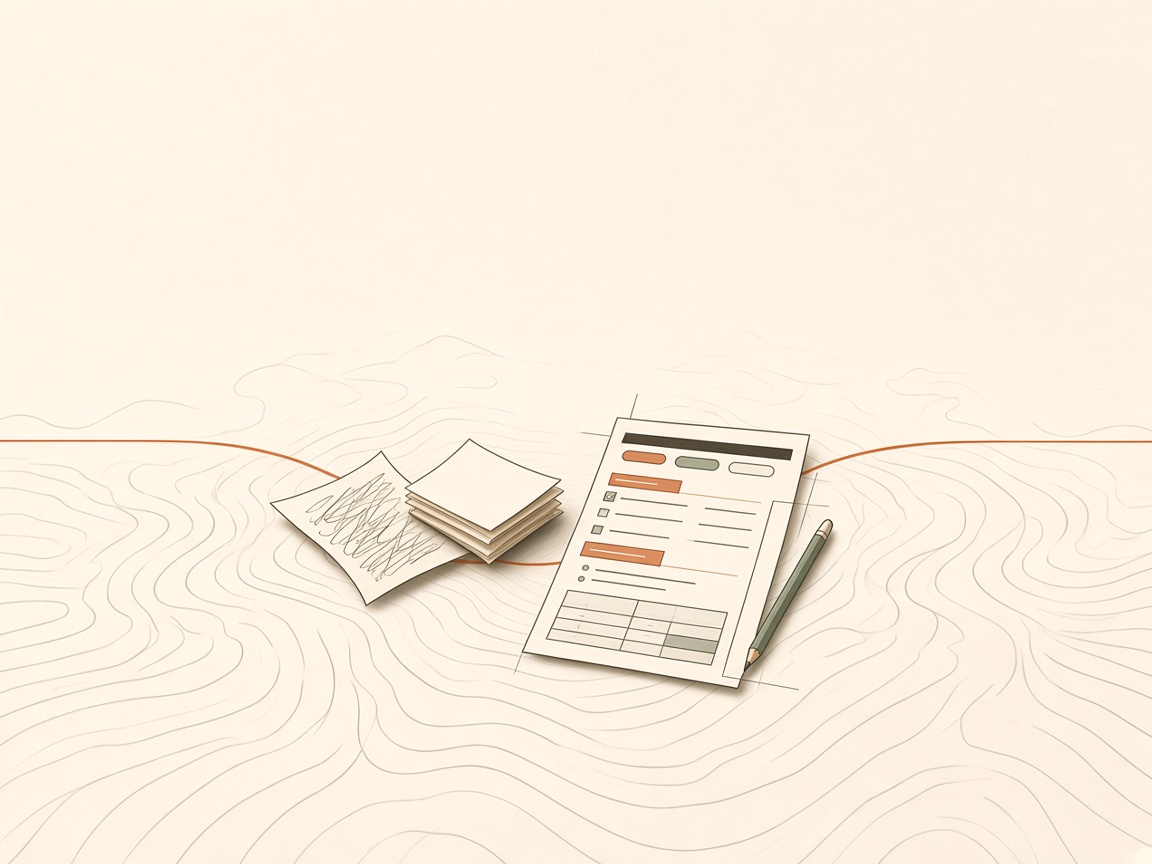
You shape what the job is, and the loose note becomes a structured spec.
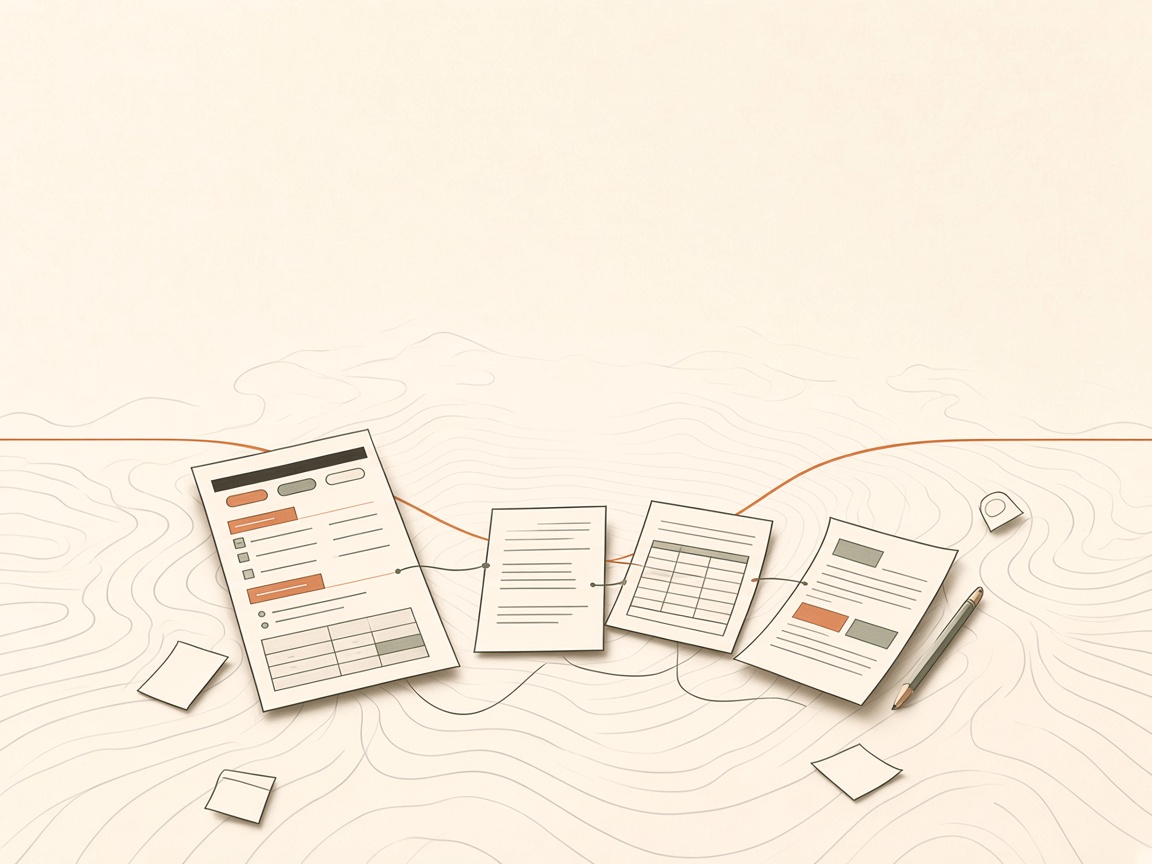
The work fans out into more documents. The spec stays the place it is happening.
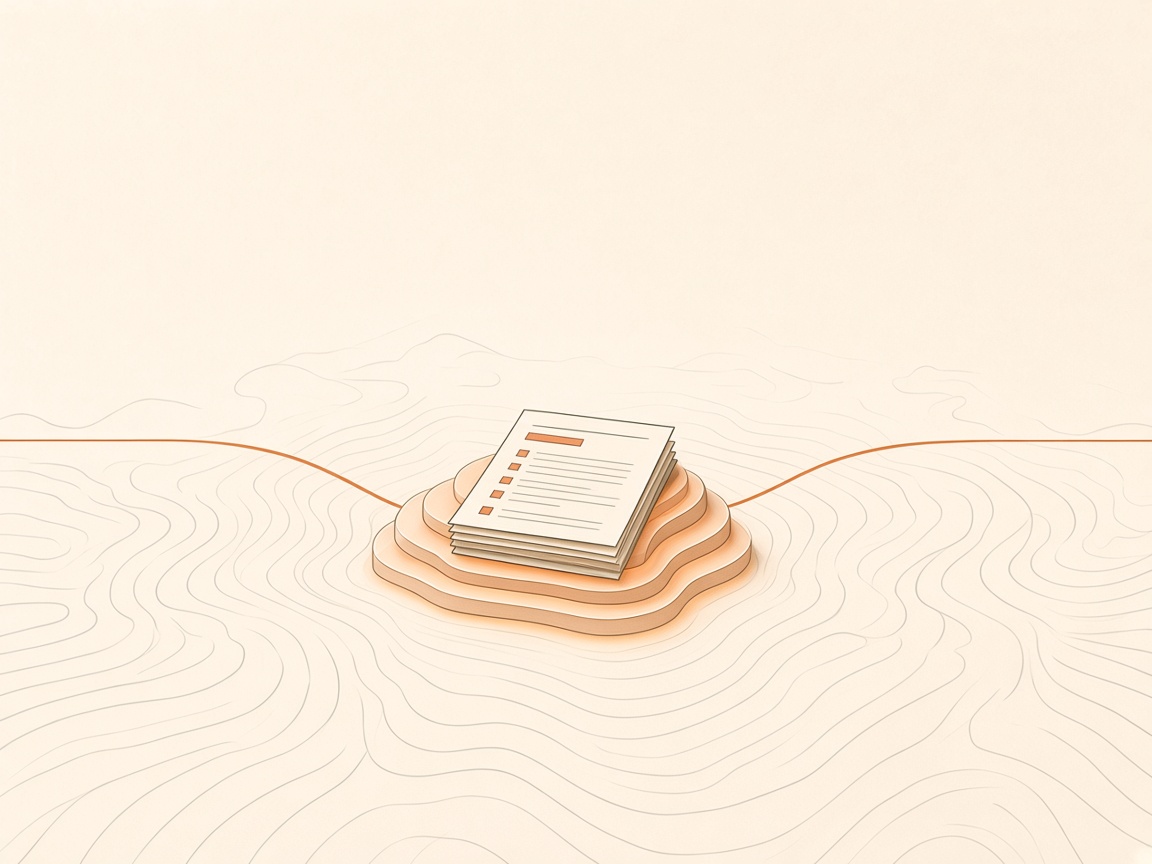
Finished does not mean thrown away. The work settles in and becomes part of the ground.
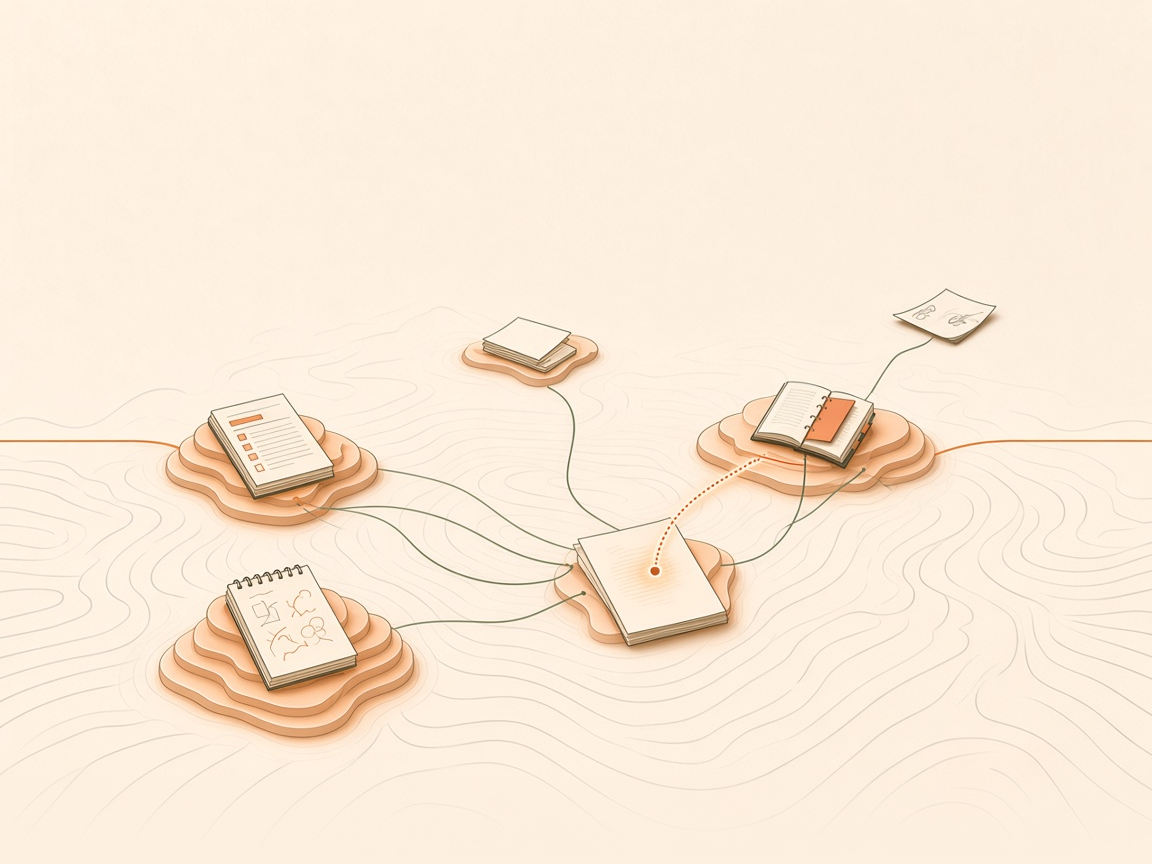
What you finished is there for the next job that touches this one.
Living system
Soul cascades into the agent context: identity, rules, and awareness, before the first prompt.
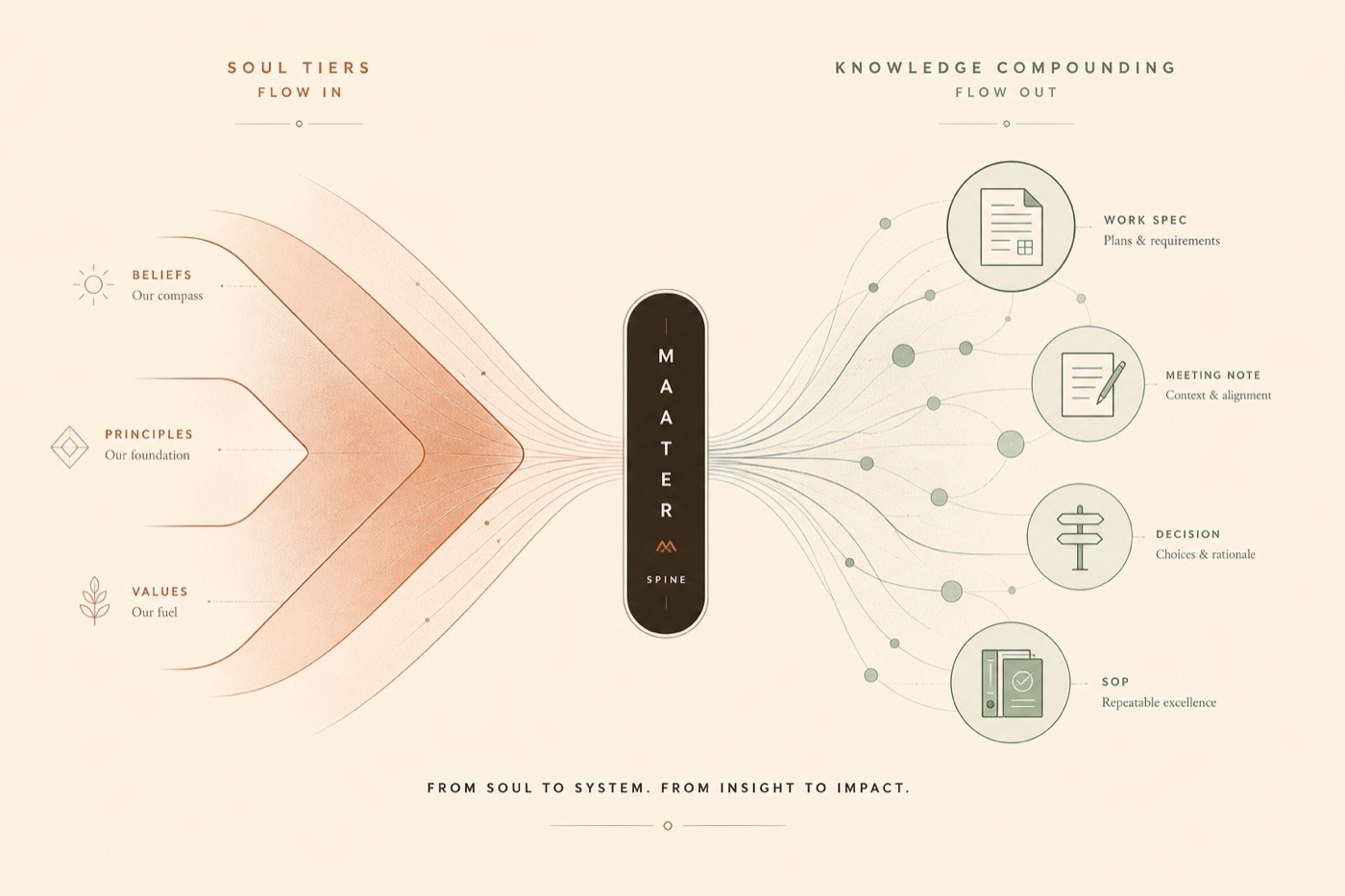
What goes in sets how the agent works. What comes out is kept for the next ask.
Who you are, how you work, and the rules you keep. Set for the workspace, for a client or project, and for you, then loaded before the first prompt.
Specs, notes, decisions, and SOPs are the parent. A dashboard is a view over those documents, not a second product beside them.
What you ask about decides what comes along: the spec, the related notes, and the history of the job.
Human and AI
This is a division of labour. Judgment, memory, and how you work come from you. They shape the work.
The agent gathers, synthesizes, pulls what is relevant, uses tools, and can edit the document. What comes back stays grounded in your knowledge.
Reach
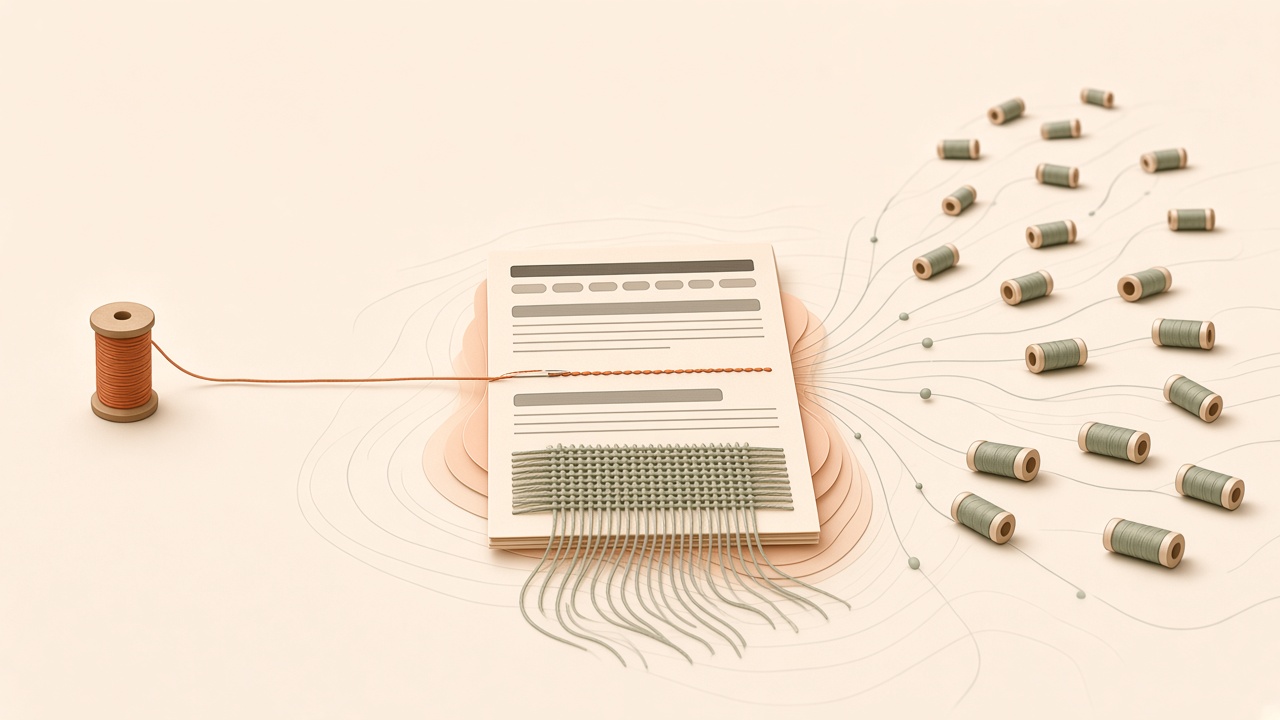
Workspaces, soul, extensions, and the knowledge are one system. Surfaces are where you reach it. Extensions are how your other tools reach it.
Each surface needs a Maater account.
 BasecampAvailable
 GoogleAvailable
 ZoomAvailable
 QuizAvailable
 GitPartial
 SlackPlanned
Ownership
The work lives in a workspace you manage. Permissions decide who gets in. How much of the stack you run is up to you. Start where you are.
Mapped folders sync both ways to your drive: docs on disk, not a separate product to adopt. That copy is the documents, not chat, attachments, or secrets. A full export is not built yet.
Plug in your own model account. The workspace stays yours.
Point Maater at an API and a key you run.
Maater and local AI on your own hardware.
How it is different
Not feature count. Defaults that survive a handoff.
| Notion | Obsidian | Mem.ai | Maater | |
|---|---|---|---|---|
| AI indexed at ingest | Enterprise only | Plugin-dependent | Individual | Always |
| Built for teams | Yes | No | Limited | Yes |
| Work has a traceable origin | No | No | No | By default |
| Human-in-the-loop by design | Bolted on | N/A | Autopilot lean | Named pillar |
| BYOK / choose your AI | No | N/A local | No | Yes + path |
| Self-hostable | No | Files only | No | Path |
| Agent access (MCP) | No | Community | No | Yes |
Early access
Creatives, visionaries, and agencies are in it now. Bring the work you already have. What you try, and what you tell us, is what gets built next.
No pricing. No account is created from this form.